Role-Based Logins for Cleaning Crews and Clients
Admins sign in with their own email and PIN — not one shared code the whole team knows. Crews only ever see the clients they're actually scheduled to work with.
14-day free trial · Cancel anytime
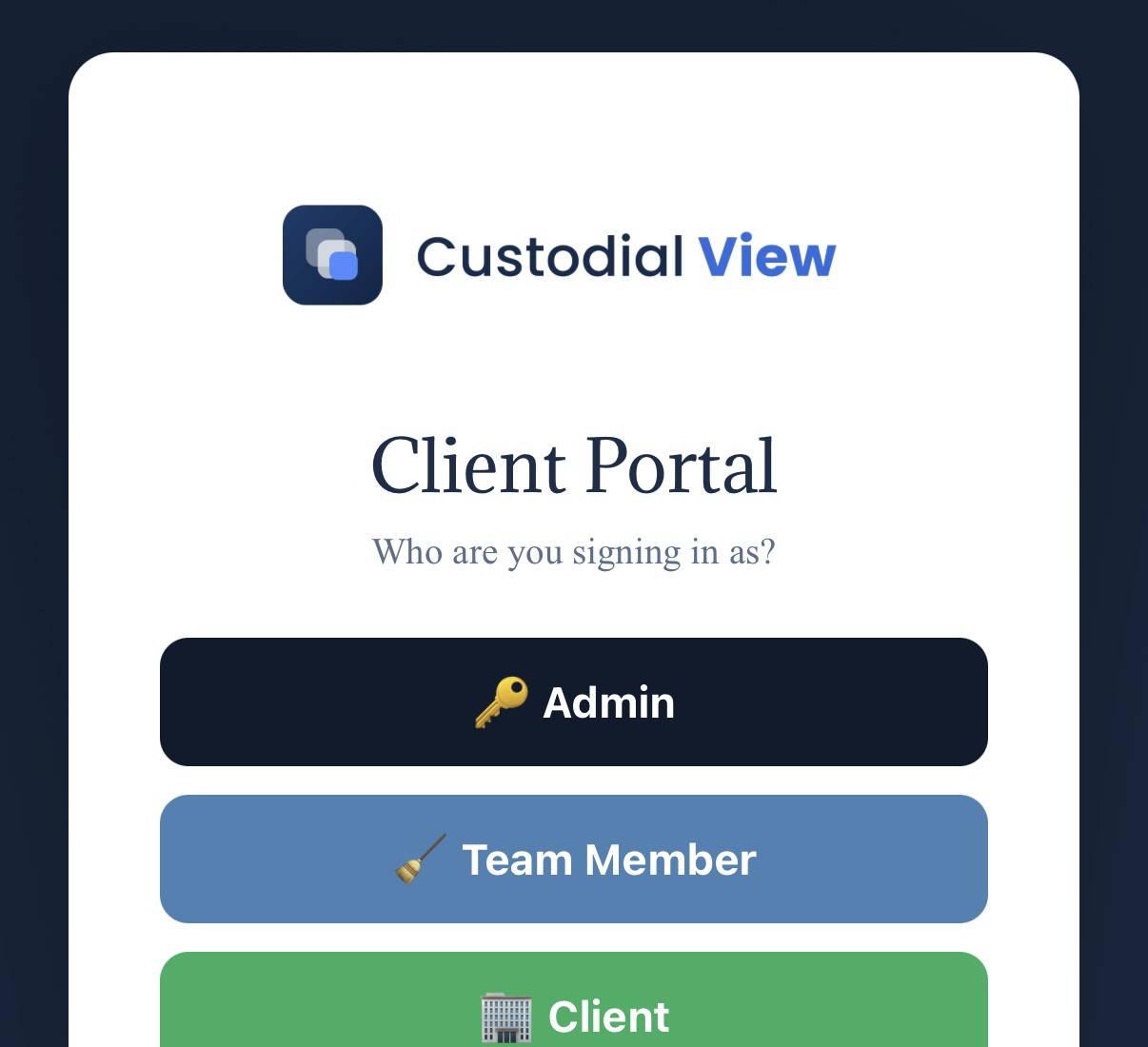
What is a role-based login?
Role-based login means each person using CustodialView — admin, crew member, or client — signs in with their own credentials and only sees the information relevant to their role, instead of everyone sharing a single access code.
Pick a role
Every login starts by choosing Admin, Team Member, or Client — each with a different view of the same portal.
Sign in with your own credentials
Admins use an email and PIN; there's no single shared code that an entire crew or client list has to memorize.
See only what applies to you
A crew member only sees the clients and sites they're scheduled for; a client only sees their own account.
Why it matters
A shared login code is convenient until someone who left the company still has it, or a client can see information about sites that aren't theirs. Role-based logins remove that risk by design — access is tied to a person and a role, not a code anyone can pass around.
It also makes the portal easier to actually use: a crew member isn't scrolling through every client's information to find their own schedule for the day.
Common questions about real logins, not shared codes
What roles does CustodialView support?
Admin, Team Member, and Client, each with their own sign-in and their own view of the portal.
What do crew members sign in with?
Crew members sign in with their own credentials, not a shared code the whole team uses.
Does this cost extra?
No. Role-based access is included in every CustodialView plan.
Give your clients the portal your company deserves.
No developer, no long onboarding, no waiting. Sign up today and your portal is live before your next job.
14-day free trial · Cancel anytime