Zero-Setup Client Portal — Live in Minutes
Sign up, pay, and your portal is live at your own URL in minutes — fully automated, no developer required.
14-day free trial · Cancel anytime
What does zero setup mean?
Zero setup means a cleaning company can sign up for CustodialView, pay, and have a working, branded client portal live at its own URL within minutes, without a developer, an implementation call, or a manual setup process on CustodialView's side.
Sign up and pick your team size
Start a 14-day free trial — no sales call needed first, cancel anytime.
Brand your portal
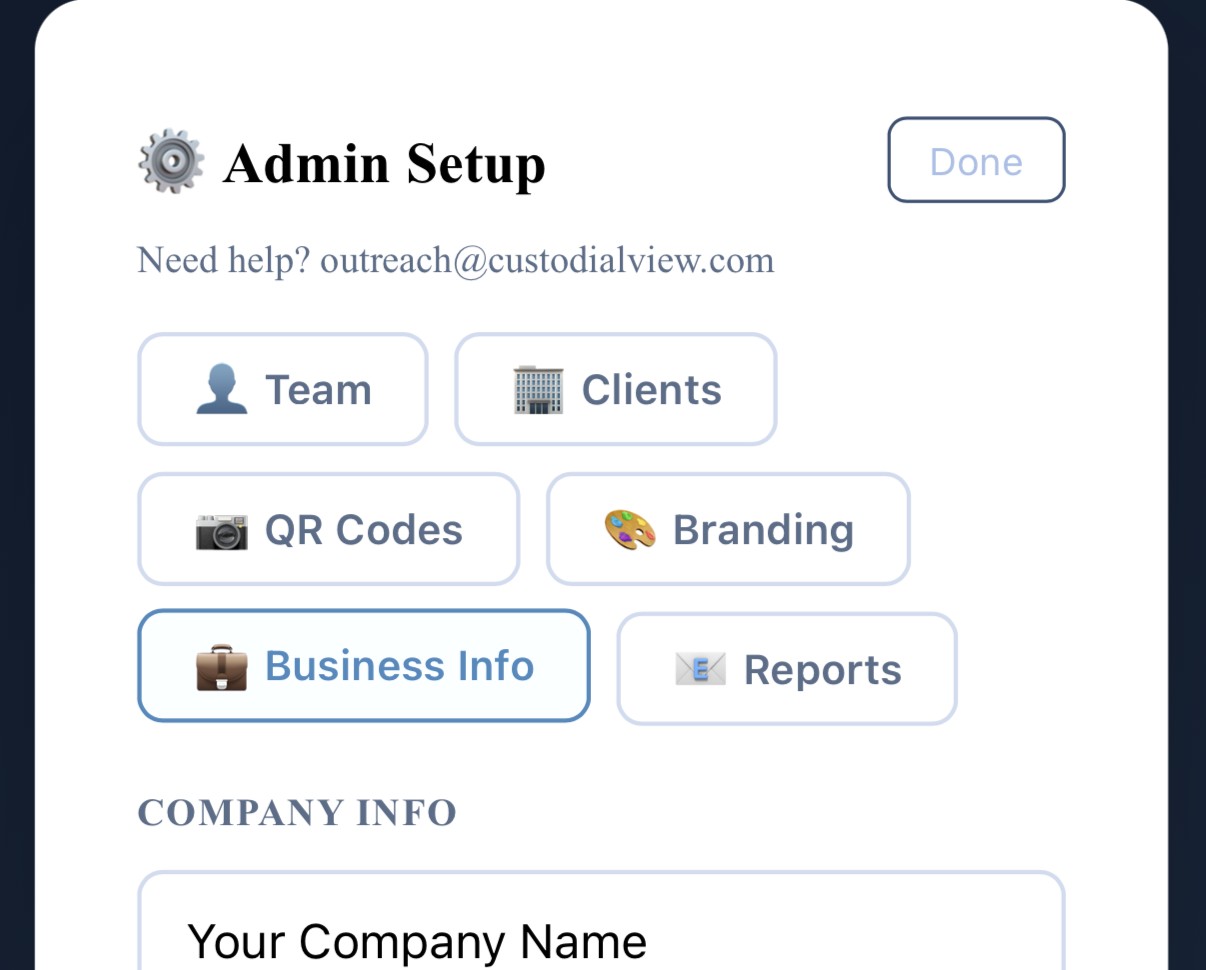
Upload your logo and set your colors; the portal reflects your branding immediately.
Go live
Your portal is live at your own URL within minutes, ready to add crew and clients.
Why it matters
Most software that promises a “custom portal” for a service business actually means a sales call, an implementation timeline, and a developer somewhere in the process. CustodialView's setup is fully automated — signing up and paying is the setup.
That matters most for smaller cleaning companies that don't have the time or budget to manage a multi-week software rollout just to give clients a place to check on their service.
Common questions about zero setup
Do I need a developer to set up CustodialView?
No, the entire setup process is automated — no developer or technical setup is required.
How long does it take to go live?
Minutes, from signing up to having a branded portal live at your own URL.
Is there a free trial?
Yes, a 14-day free trial — a card is required to start, and you can cancel anytime before it ends.
Give your clients the portal your company deserves.
No developer, no long onboarding, no waiting. Sign up today and your portal is live before your next job.
14-day free trial · Cancel anytime